The AI assistant for people with chaotic workflows

Littlebird remembers all of your work and can take action across meetings, messages, docs and apps.

Download for Mac

Free to start  •  Available for Windows, iOS, and Android

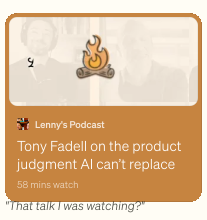
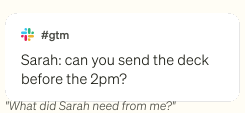
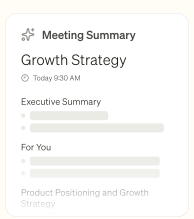
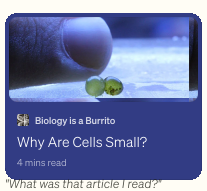
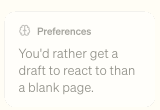
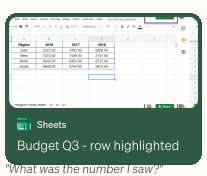
Rays flowing downTasks card: Finish onboarding flowMeeting reminder card: quarterly review starting in 30 minutesGmail card: Re Contract renewal LegalMemory card: Sarah is your manager, she usually needs things before FridayPodcast card: Tony Fadell on product judgment AI cannot replaceSlack card: Sarah asking to send the deck before 2pmMeeting summary card: Growth StrategyArticle card: Why Are Cells Small, Biology is a BurritoPreferences card: you'd rather get a draft to react to than a blank pageSheets card: Budget Q3 row highlightedCurrent focus card: you've been heads-down on the onboarding flow this week

No need to explain yourself

Littlebird already understands what you're working on - so you skip the setup, the pasting, and the backstory, and just ask.

An assistant across all your apps

Get your work done without leaving the chat, Littlebird knows.

Littlebird is both my personal assistant and researcher. It's simply the best personal productivity tool I've ever tried.

Brian Clegg

Author

Brian Clegg

Never take meeting notes again

Perfect notes from every meeting you've had, and a full prep for every meeting you haven't.

Learn more

arrow right

Automate your schedules and briefs

Set up a daily routine - a morning briefing, a weekly project update, whatever you want, whenever you want it.

Littlebird helps me set up my day with intention. Not a vague to-do list. An actual plan that reflects what I need to get done and when.

Gretchen Schoser

Mental Health Advocate & Podcast Host

Gretchen Schoser

Learn more

arrow right

From blank page to final draft

Littlebird understands you, so it drafts emails, docs, and updates in your voice

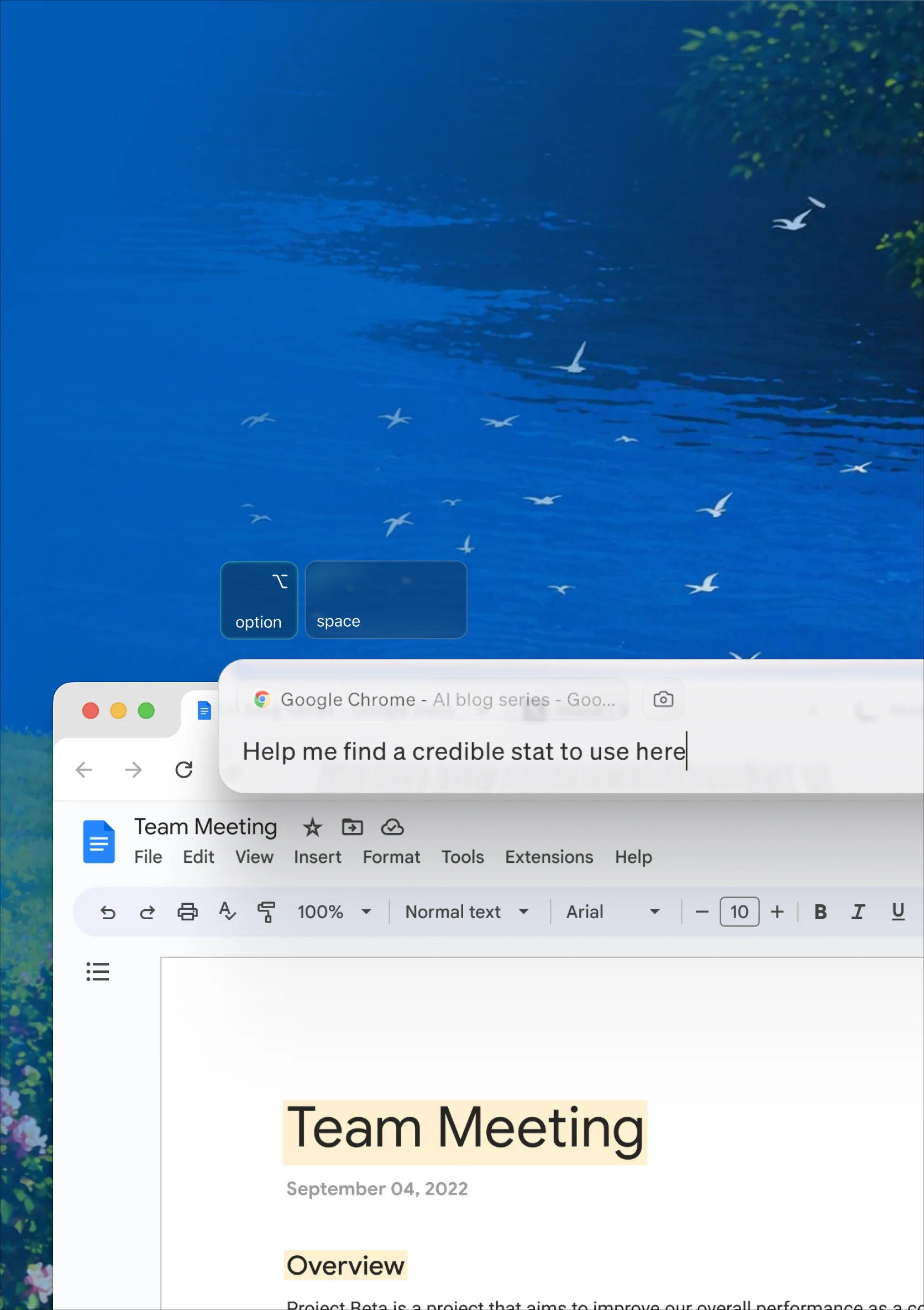
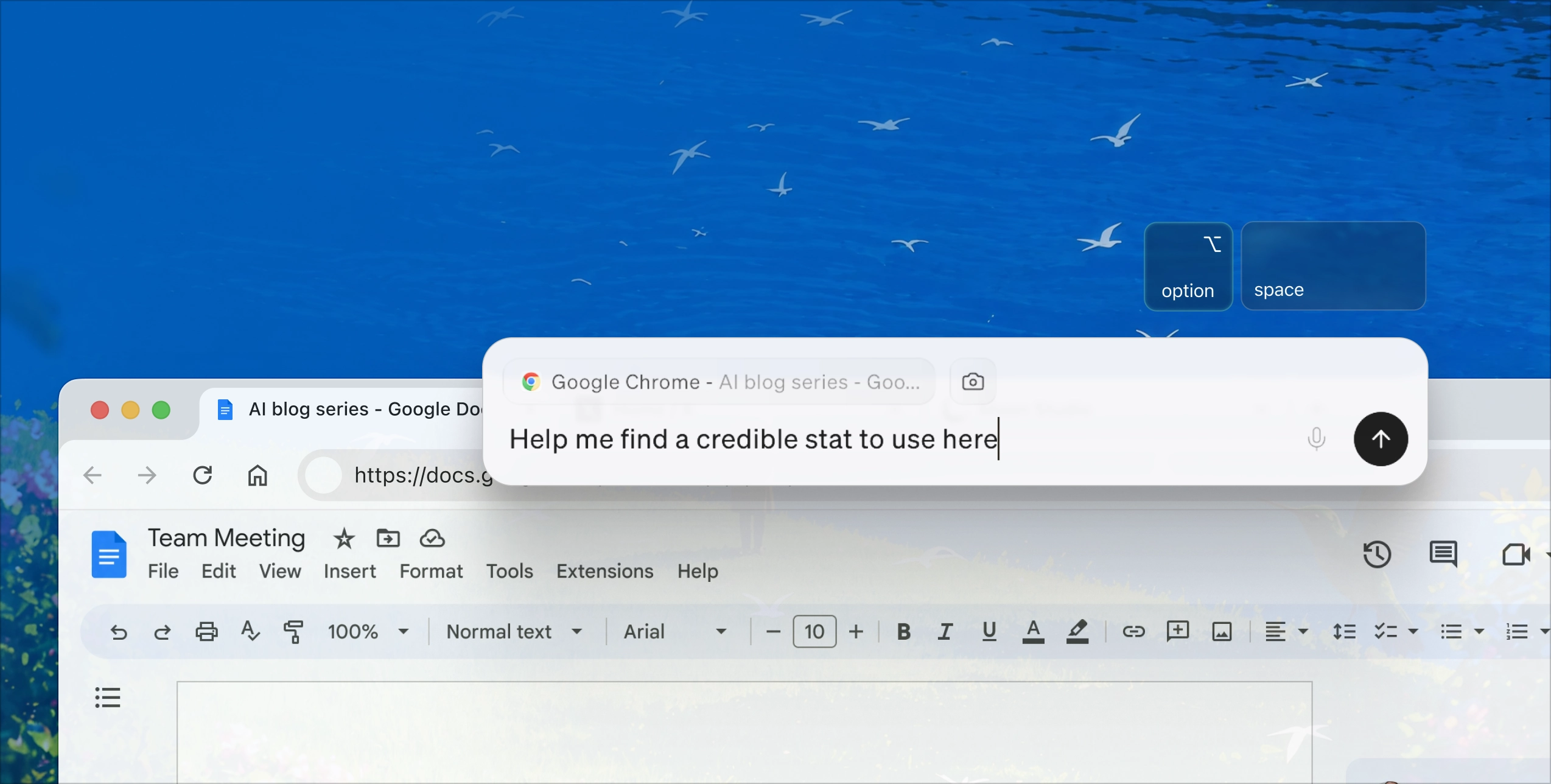
Littlebird Hummingbird on a phone screenLittlebird Hummingbird overlay on a Chrome browser window

Hummingbird, the AI on every screen

Littlebird appears wherever you're working, with a single tap.

Learn more

For every device you’re on

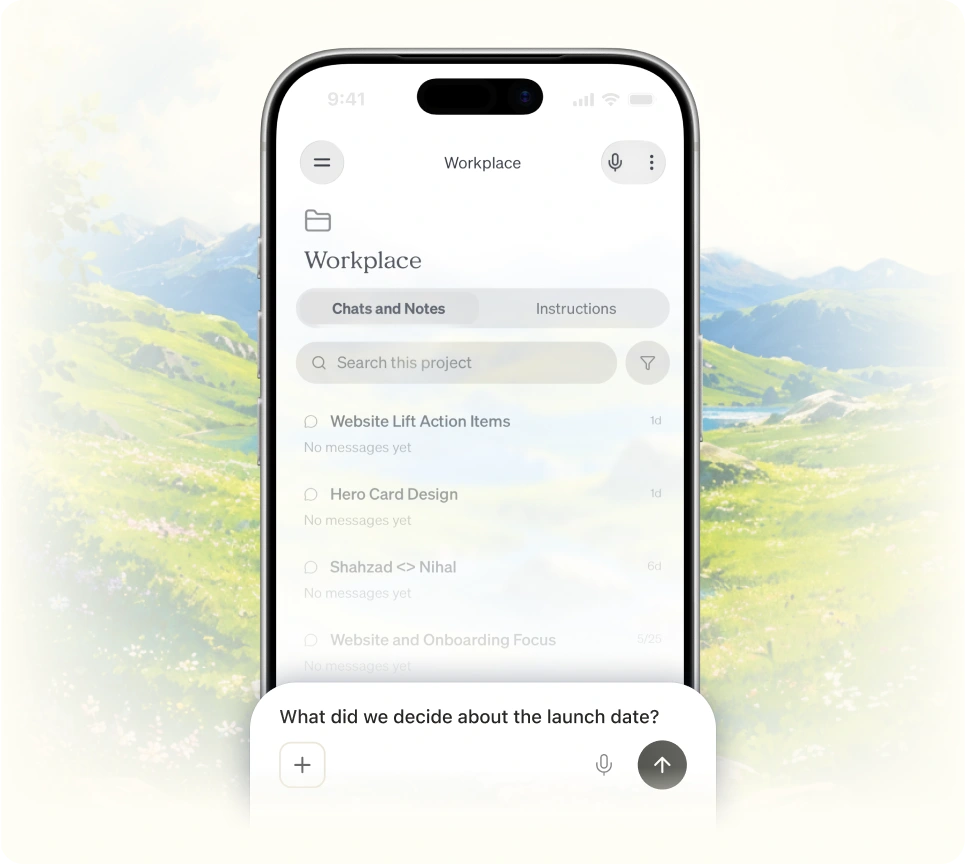
Littlebird now lives on your phone too - so the assistant that knows your work is with you everywhere you go.

Available on

Apple

iOS

Android

Android

Littlebird running on a phone with a hummingbird beside it

A little bird told me…

This is the future.

Lenny Rachitsky

Lenny Rachitsky

@lennysan

X

"screenreading" to optimize human performance will be a thing. AI that remembers everything you've been working on – mtgs, messages, docs, browsing - and helps you stay focused, prioritize, recall, and move projects forward... tech that focuses you.

Scott Belsky

Scott Belsky

@scottbelsky

X

I've spent my career building products that reduce friction for users. @LittlebirdAI does something I've rarely seen. It eliminates an entire category of friction: the overhead of remembering, retrieving, and re-explaining your own work. I use it every day.

Gokul Rajaram

Gokul Rajaram

@gokulr

X

I've been quietly using @LittlebirdAI for months and it's become my secret weapon. It watches what I'm working on, learns how I operate, and shows up ready before I even ask. It's what I call my 2nd brain — a place that captures everything I do at work, not just what I feed it…

Joe Speiser

Joe Speiser

@jspeiser

X

Now that @dsiroker has wound down Rewind, Littlebird is the presumptive successor. Context is still king, and Alap and much of the old Sentieo team are getting back together to solve it.

swyx

swyx

@swyx

X

Littlebird wrote out our whole marketing site for me since it's able to see all the emails and notes I take about Distill. It's saved me a crazy amount of time!

Russ Heddleston

Russ Heddleston

3x founder; now helping other founders automate personal sales outreach

X

Frequently asked questions

How does Littlebird understand my work?

Littlebird learns by seeing what you see. It pays attention to the active window on your screen, like the document you're writing or the website you're browsing. During meetings, it listens along to take notes for you. It can also connect to the tools you already use, like your email and calendar, to pull in context and take actions on your behalf.

Do I need to connect all my apps for Littlebird to work?

No, and that's what makes Littlebird so powerful. It works automatically by seeing what's on your screen, giving you a unified memory across all your apps without any setup. We also offer hundreds of integrations with your favorite apps so you can give Littlebird deeper access to the tools you use most. For example, if you want Littlebird to help schedule meetings, you can integrate with Google Calendar.

What integrations does Littlebird support? 

Littlebird supports hundreds of integrations across a wide range of categories, including:

Project management: Notion, Linear, ClickUp, monday.com, Atlassian Rovo (Jira and Confluence)

Design and collaboration: Canva, Miro, Lucid

Developer tools: Axiom, Cloudflare Developer Platform, PlanetScale, Honeycomb

CRM and sales: Intercom, Outreach, Close, Clarify, Day AI

Finance: Mercury, Ramp, PayPal, Stripe

Meetings: Calendly, Fireflies, Granola, Krisp, Circleback

Marketing: Klaviyo, MailerLite, Bitly, Ahrefs, AirOps

Analytics:
Mixpanel, Omni Analytics, PostHog

Knowledge and docs: Guru, Mem, Craft, Egnyte, Google Drive

Email and calendar: Gmail, Google Calendar, Outlook, Apple Calendar, Apple Reminders


Integrations are optional. Littlebird works with every app automatically by observing your screen. But connecting your tools gives Littlebird even deeper access. You can browse the full list in Settings > Integrations.

Why should I use Littlebird instead of a general AI assistant or chatbot?

General AI assistants have no context about your work. You have to catch them up by copying and pasting information, which is slow and raises privacy concerns. Littlebird already understands the work behind your requests—your documents, conversations, and projects—so it gives you more relevant answers and stronger starting points. This makes Littlebird faster, more personal, and far more useful for day-to-day work.

Is my data secure with Littlebird?

Yes. We treat your data with the utmost care and protect it using best-in-class industry security practices. Your information is always encrypted when it's stored on our servers, and any connection between Littlebird and third-party services you authorize is also encrypted in transit.

We're SOC 2 certified, which means our security practices are regularly audited by an independent third party. We're also GDPR and CCPA compliant. You can also delete your data at any time (all of it, or just recent data like the last hour or day).

Where is my data stored?

To provide a reliable and high-quality service, Littlebird securely stores your data in the cloud, hosted on Amazon Web Services (AWS). While Littlebird runs on your computer and you control what it sees, the data it captures is encrypted and stored in the cloud.

Do you use my data to train AI models or sell it to third parties?

No. We don’t use your personal data to train our AI models, and we will never sell your data to advertisers or any other third parties. Our business model means that our customers are our users, not advertisers.

What platforms or devices is Littlebird available on?

Littlebird is available for Mac and Windows. We also have a companion app available for download on both iOS and Android, if you need to ask Littlebird questions when you’re away from your desk.

Do you offer a student discount?

Yes, we do! Littlebird Plus is $15/month for actively enrolled students, and your first two months are on us. Apply with your .edu email.

Hummingbird flying near an open window amid green trees and purple flowers under a bright blue sky.

Save hours of work for free

You're 60 seconds away from having a personal assistant. Upgrade for max intelligence and infinite features.

Apple

Download for Free

Free to start • Available for Windows, iOS, and Android