Focus on the conversation, not your notes
Littlebird transcribes and summarizes from your computer’s audio, no bots required.
Littlebird transcribes and summarizes from your computer’s audio, no bots required.
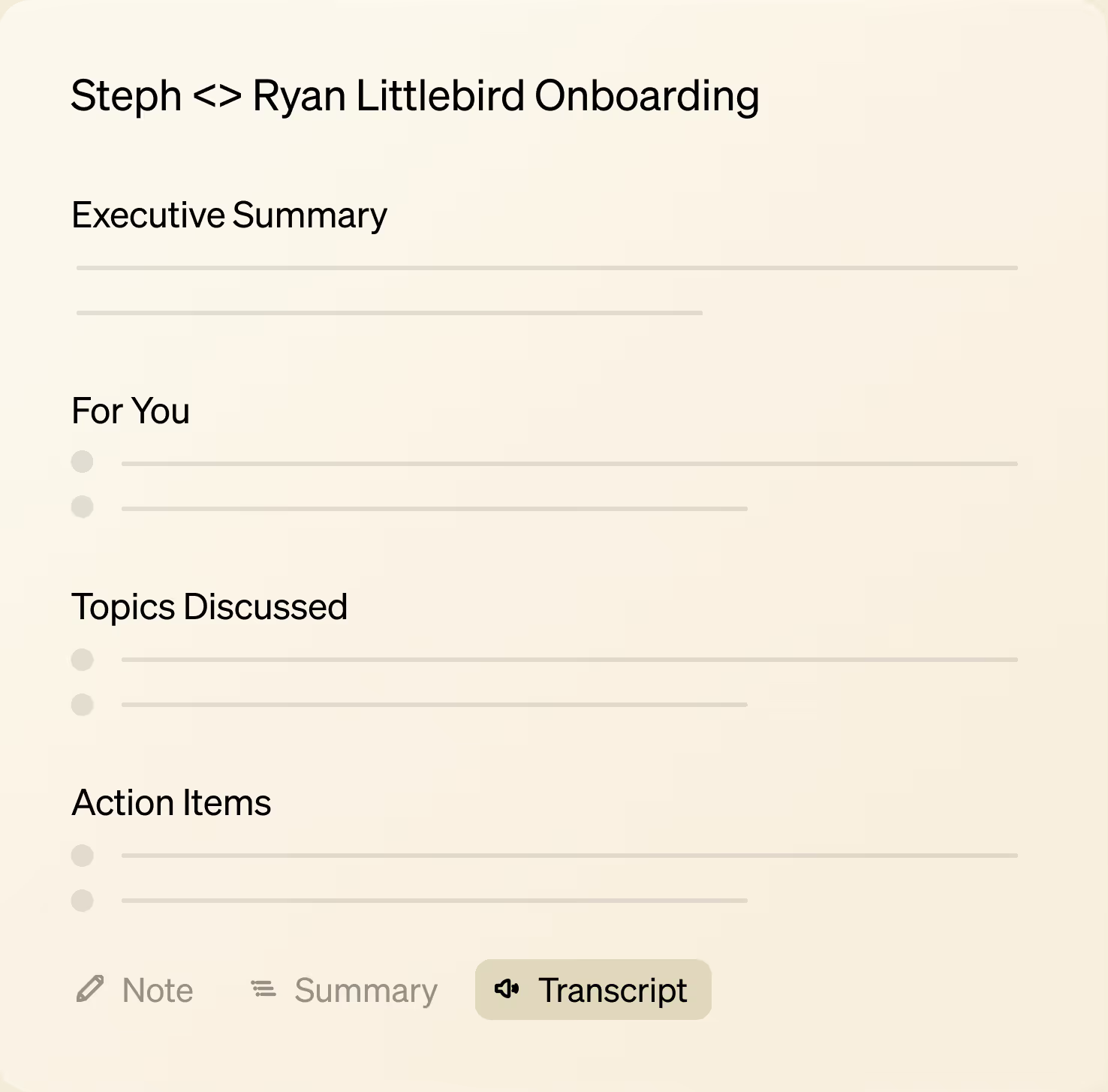
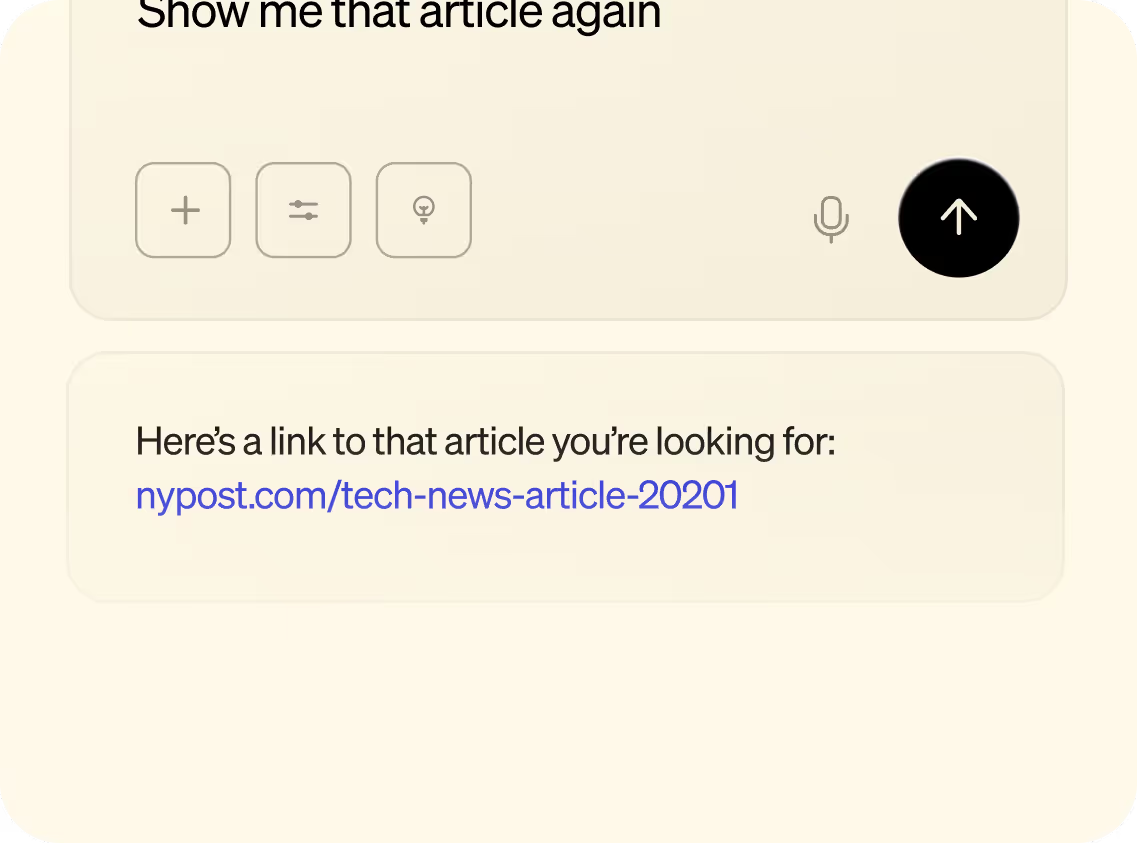
Automatic transcription handles the details, so you can stay focused. Jot down high-level notes or simply listen, knowing Littlebird captures everything and generates a complete summary. Need a quick answer mid-call? Ask without ever leaving the meeting.
Littlebird transcribes your computer's audio, so it works automatically on every call—Zoom, Teams, Google Meet, or any other app—with no bots disrupting your meeting.
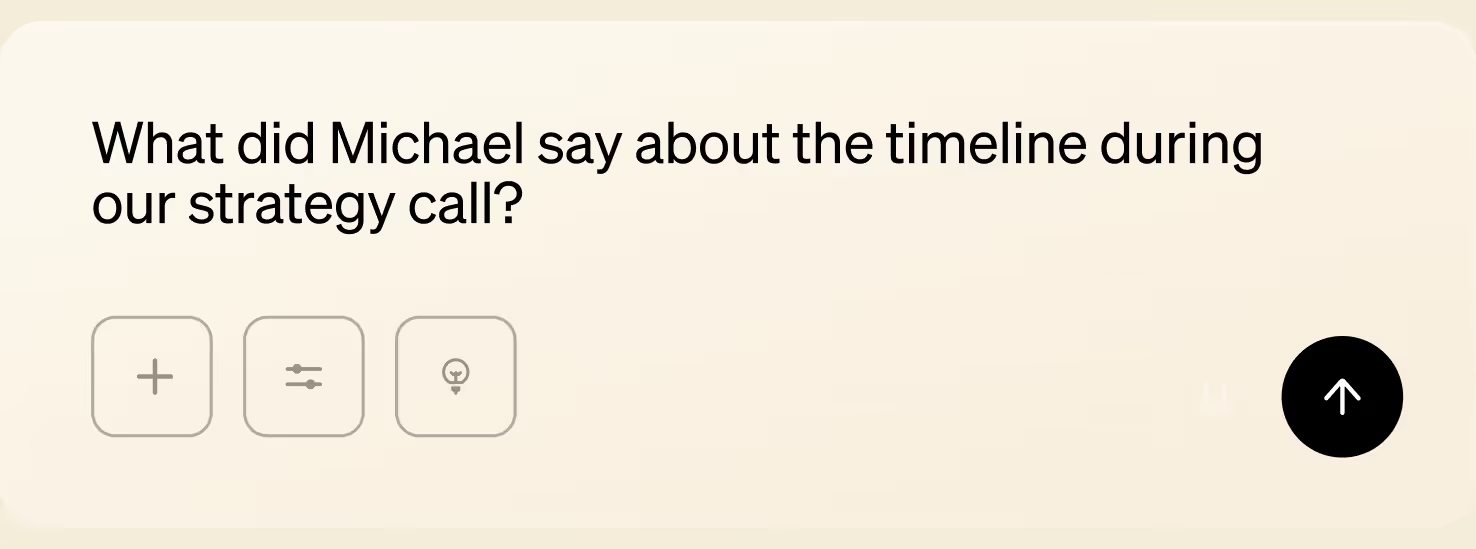
Before a meeting, start a new note in Littlebird and click Prep for meeting. Littlebird pulls together context from your emails, past meetings, and relevant projects, so you can walk in ready. Later, ask "What did [Company] say about the timeline during our call?" and get instant answers without digging through notes.
It only takes a few clicks to start capturing meeting notes with Littlebird.
Connect your calendar to see upcoming meetings in Littlebird.
Join your meeting (or launch from Littlebird) and transcription starts automatically.
Review your summary, action items, and transcript after the call.
Get your work done without leaving the chat, Littlebird knows.
“
Littlebird is both my personal assistant and researcher. It's simply the best personal productivity tool I've ever tried.


Download Littlebird for free and get started in minutes. No setup or integrations required.
Join the Littlebird for Windows waitlist.
.svg)
Get download link
Download Littlebird