Ask anything.
Skip the backstory.
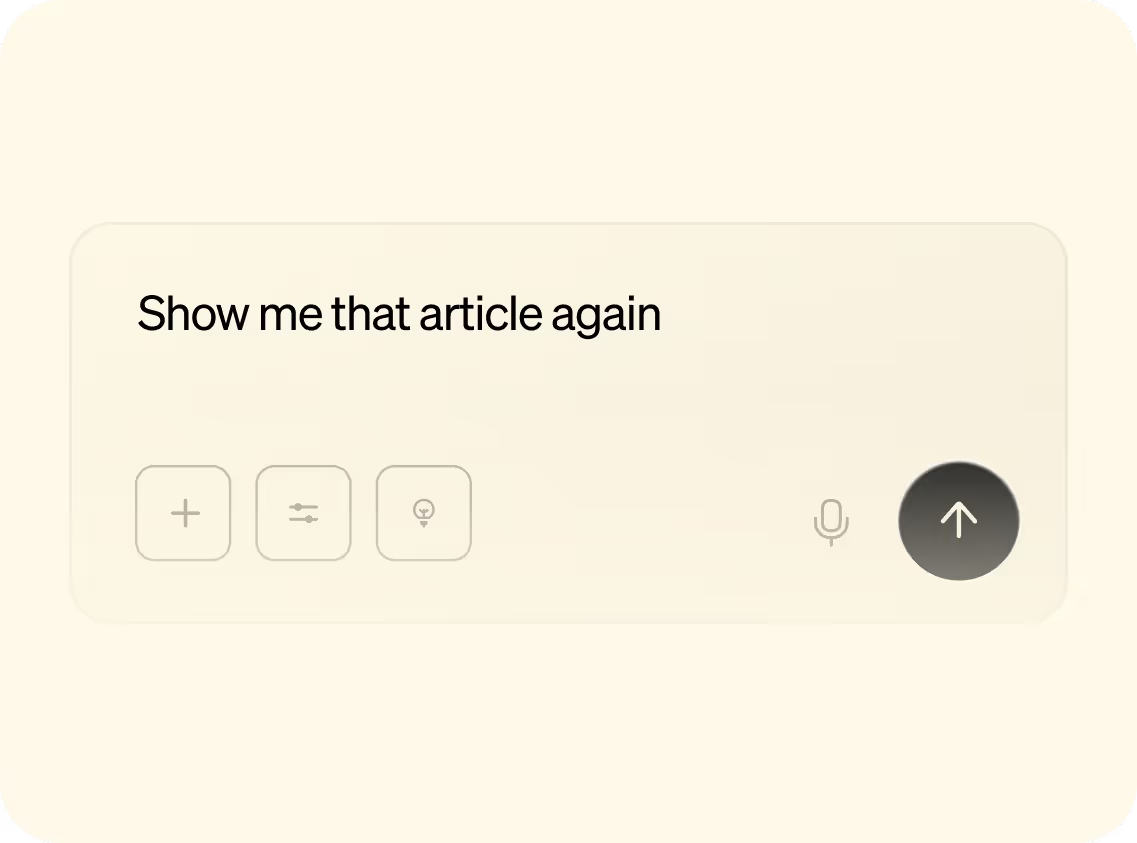
Chat with Littlebird like any other AI assistant, but with one key difference: it already understands your projects, preferences, and priorities.
Chat with Littlebird like any other AI assistant, but with one key difference: it already understands your projects, preferences, and priorities.
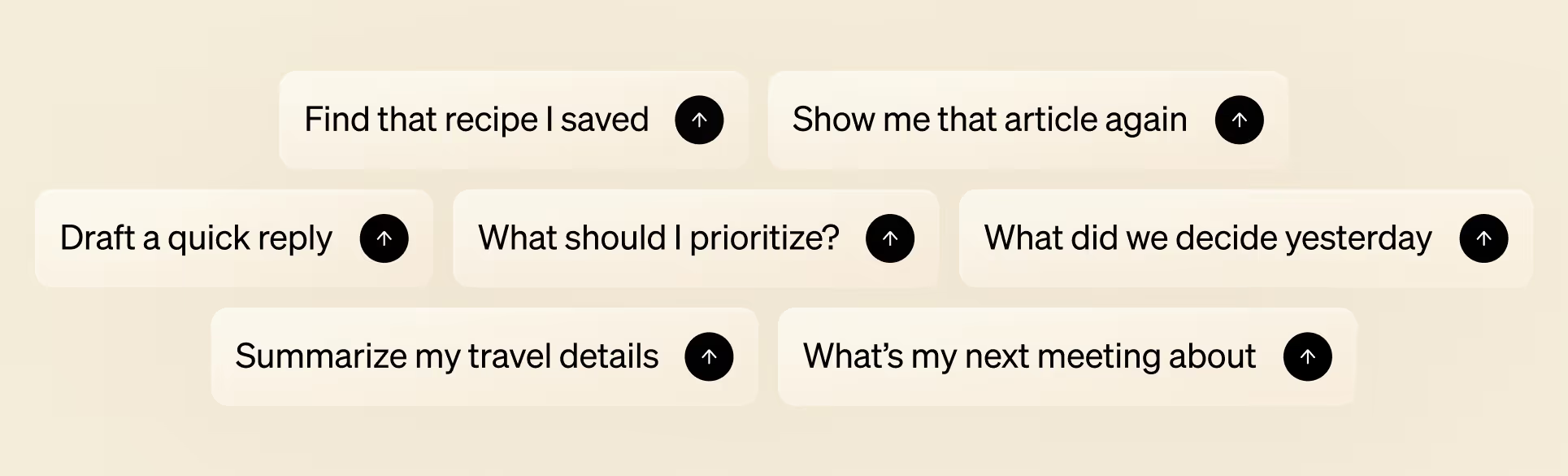
Ask Littlebird about a detail from last week's meeting or anything buried in Gmail. Because it already understands your work, you get relevant answers instantly—no copying and pasting, no catching it up.
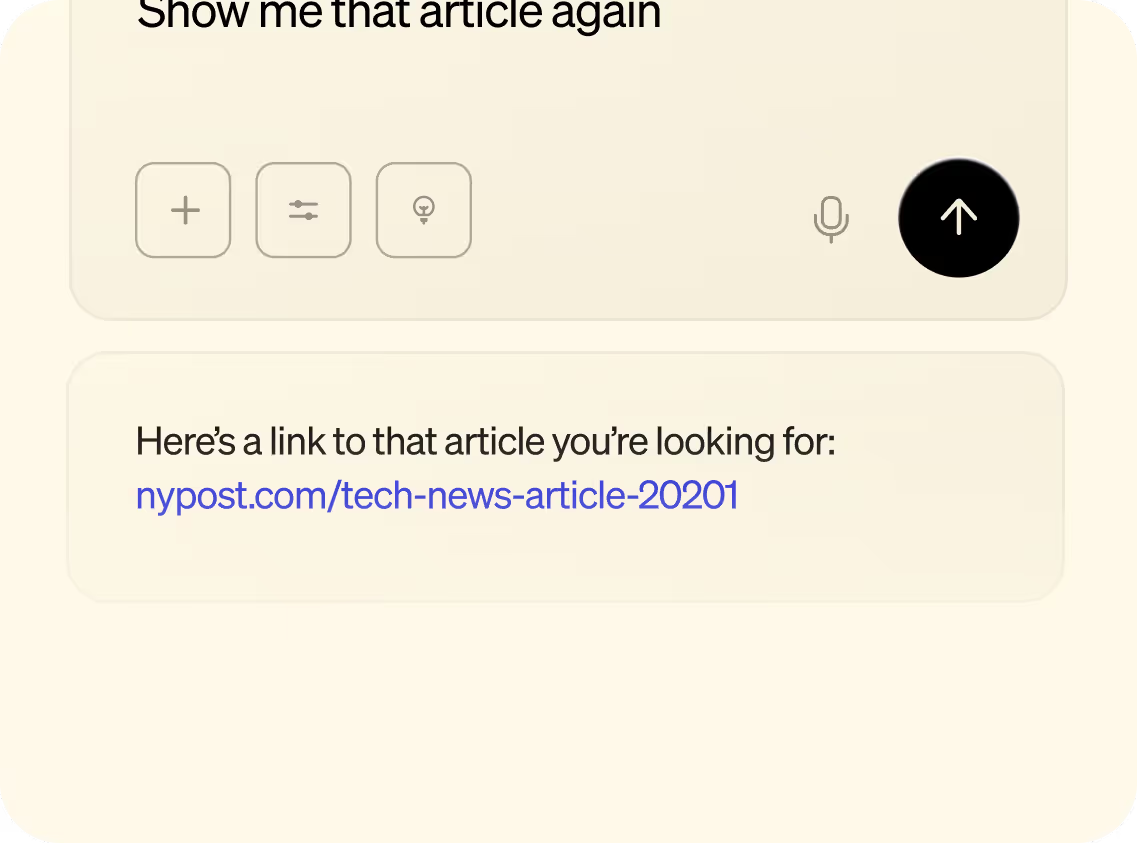
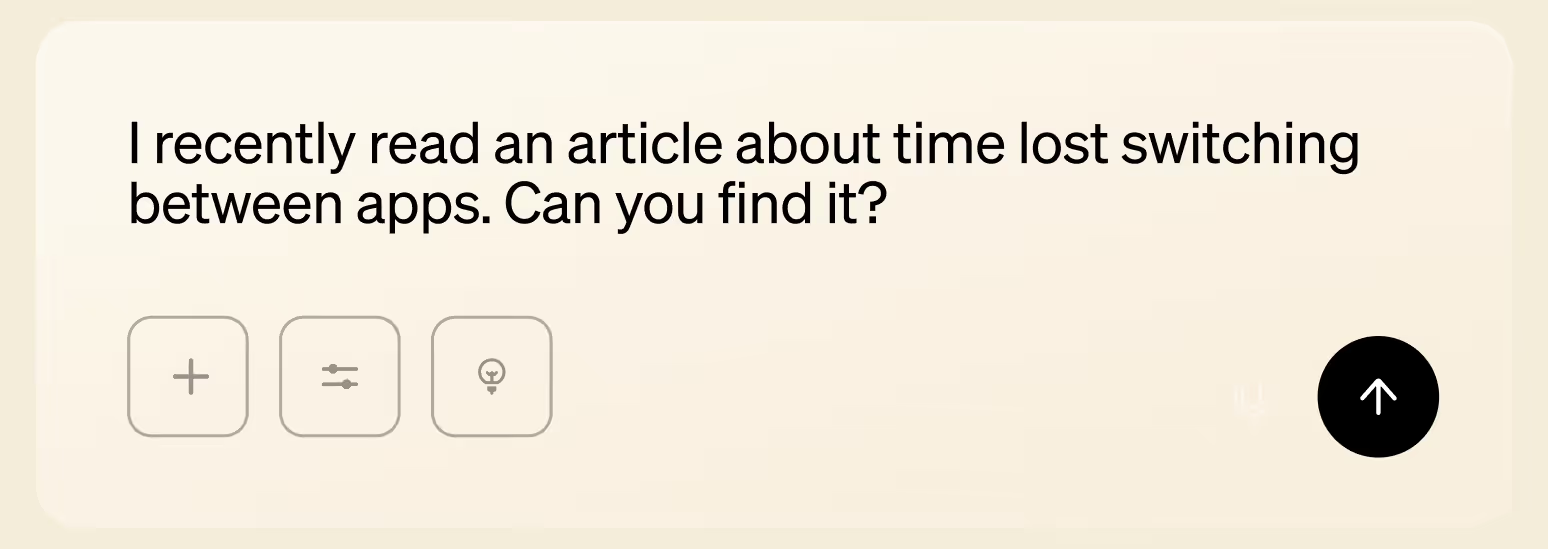
Stop hunting through apps to track down information. Ask Littlebird about any document, email, website, or conversation you’ve seen, and it surfaces exactly what you need.
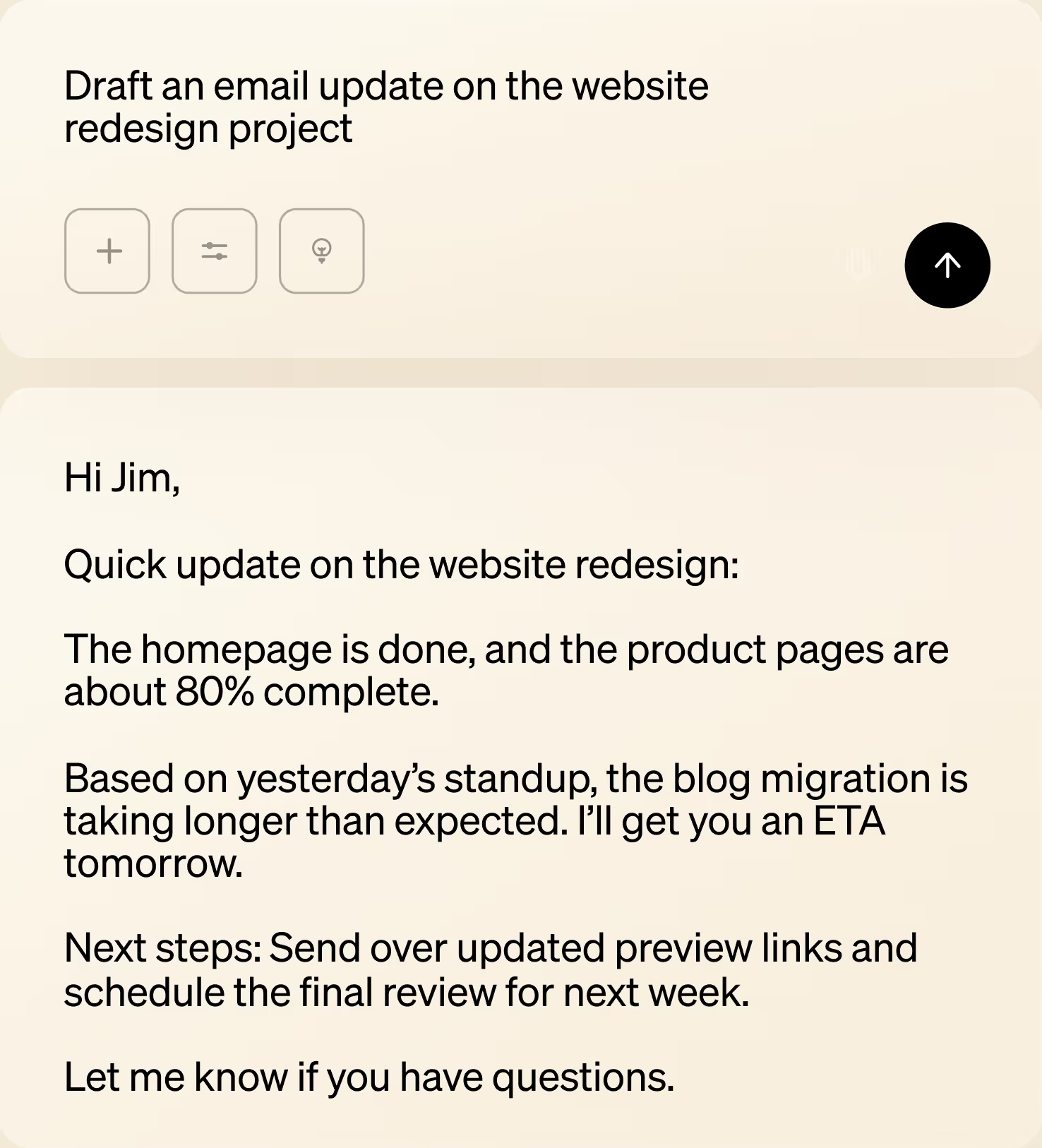
Go from a blank page to a polished first draft in seconds. Because Littlebird understands your work and writing style, it can generate summaries, emails, reports, and documents using your existing projects as the foundation.
It only takes a few clicks to start chatting with Littlebird and put your work to use.
Download Littlebird and let it run in the background to start building context from your screen.
Open Chat and ask about anything you’ve seen or need to create.
Get personalized answers and content based on your real work.
Get your work done without leaving the chat, Littlebird knows.
“
Littlebird is both my personal assistant and researcher. It's simply the best personal productivity tool I've ever tried.


Download Littlebird for free and get started in minutes. No setup or integrations required.
Join the Littlebird for Windows waitlist.
.svg)
Get download link
Download Littlebird