Your daily briefing,
fully automated
Routines run on your schedule, proactively delivering the information you need on your schedule.
Routines run on your schedule, proactively delivering the information you need on your schedule.
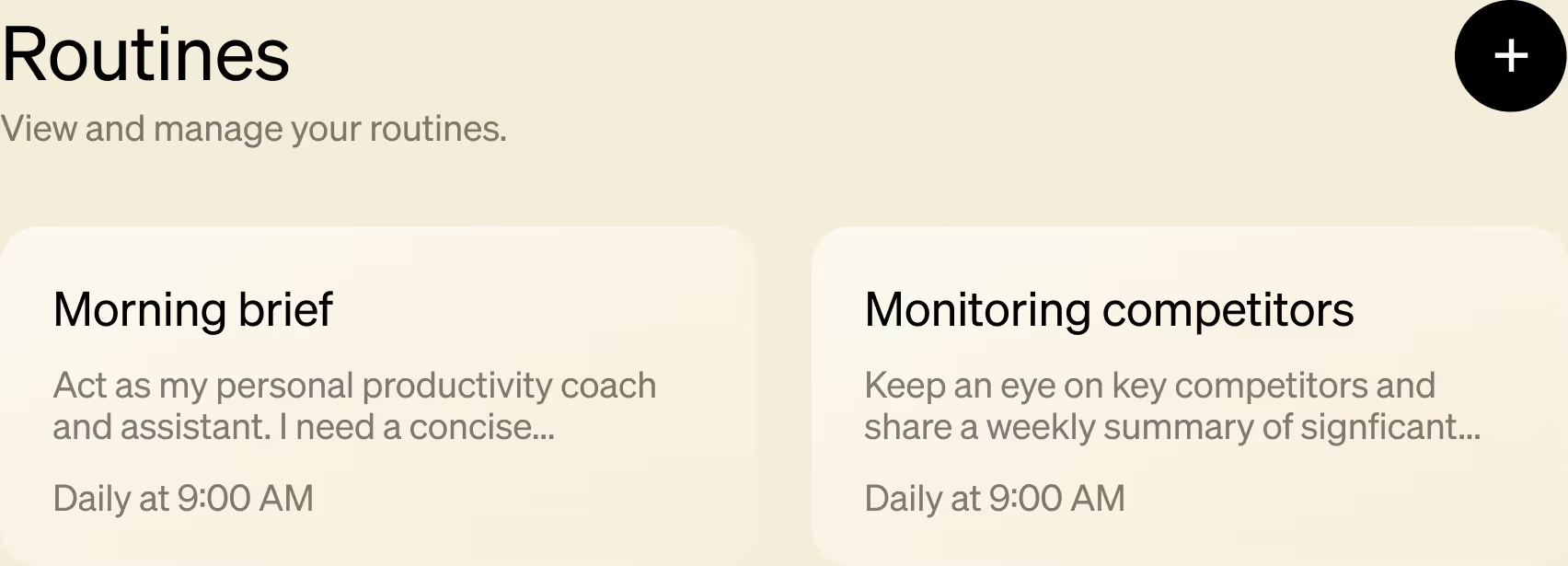
Instead of asking Littlebird for information every time you need it, Routines proactively deliver what matters on your schedule. Whether it's a morning briefing, weekly competitor updates, or a monthly project analysis, the information you need shows up when you need it.
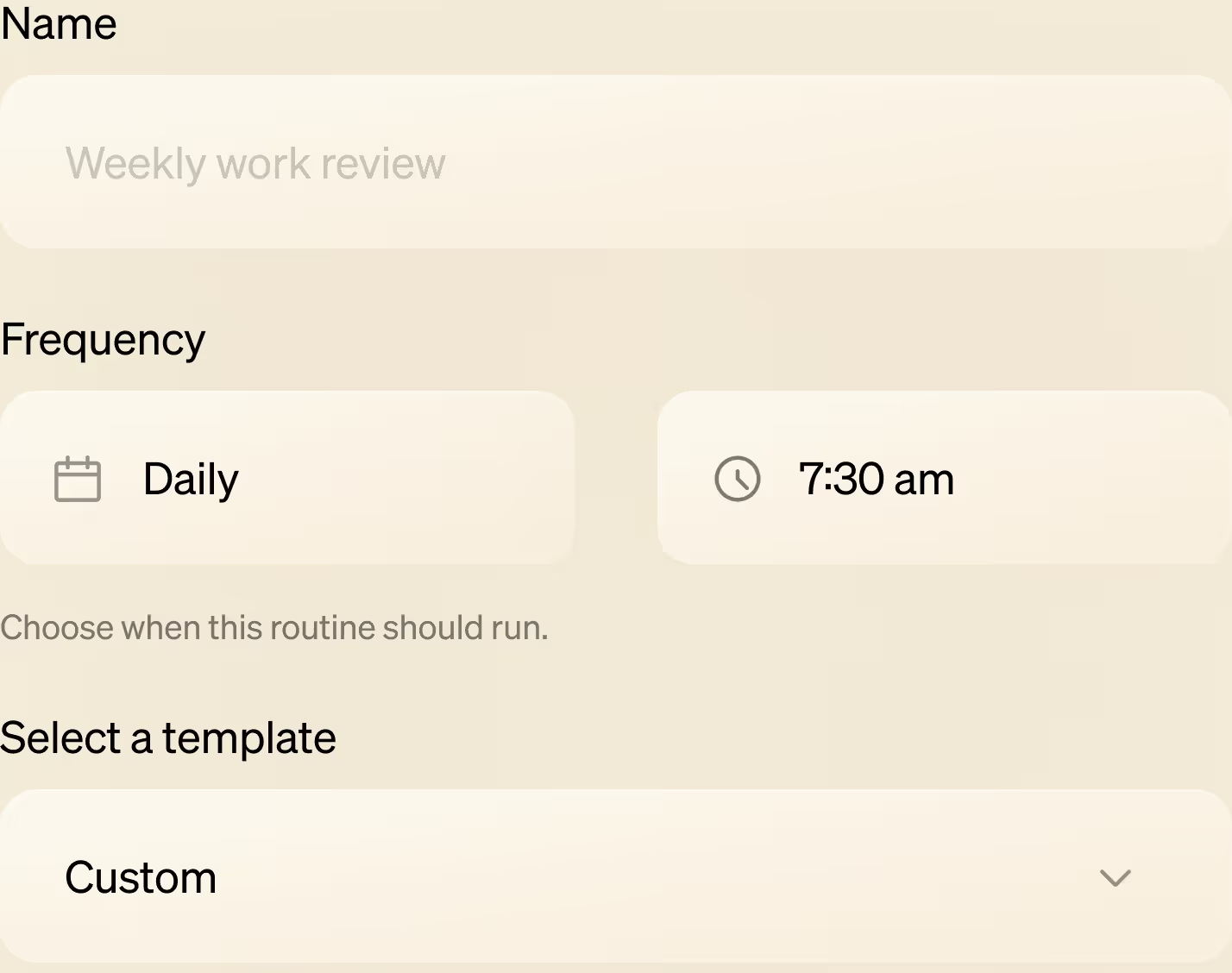
Choose from a ready-made template or create your own custom Routine from scratch. Just write what you want in simple, conversational language and set the delivery schedule. No scripts, no logic trees, no technical setup.
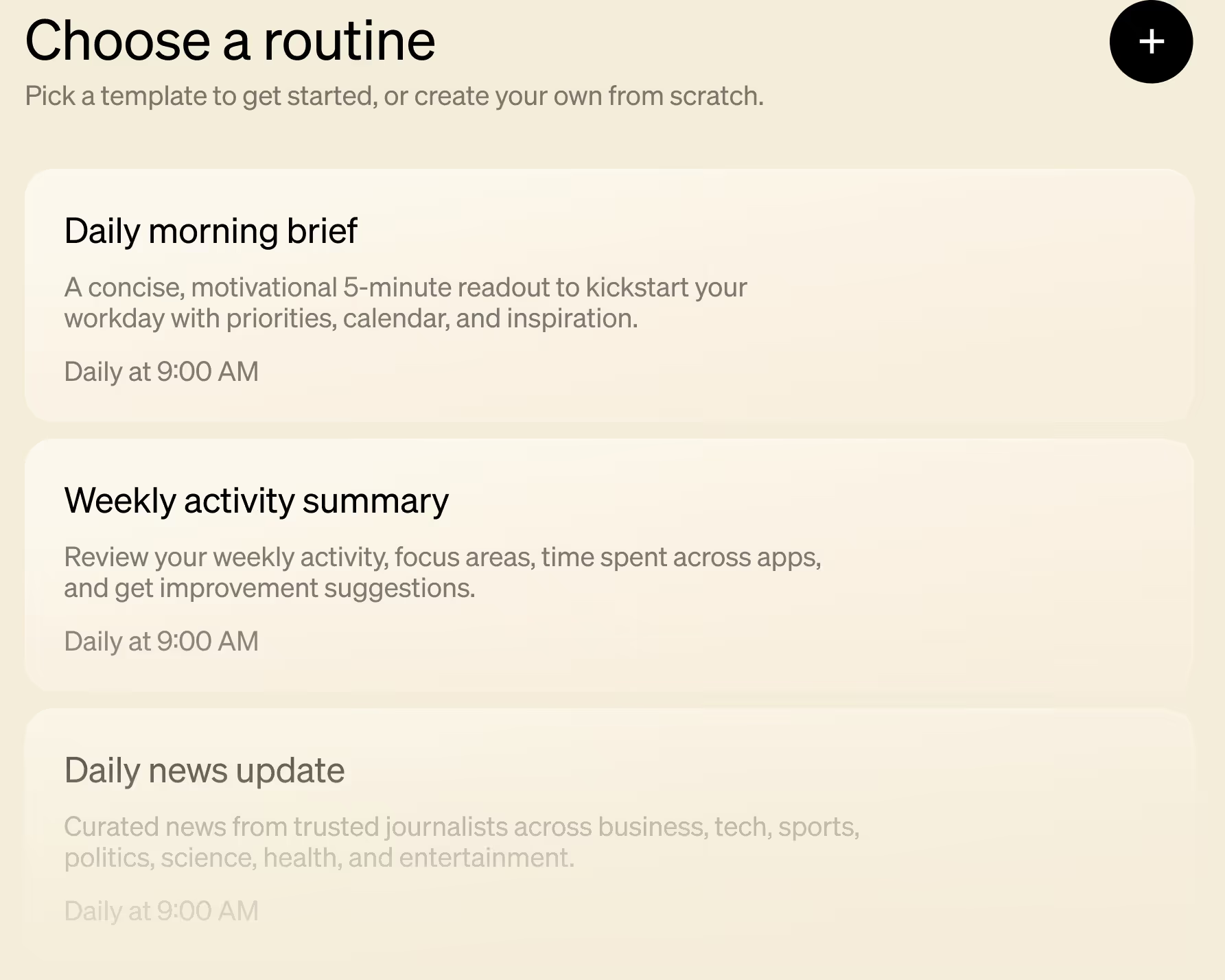
Let Routines handle the recurring tasks for you: drafting weekly briefings, curating news updates, or summarizing feedback. You get the information you need delivered automatically, freeing your mental energy for deeper work. Always prepared, never scrambling.
It only takes a few clicks to create your first Routine with Littlebird.
Open Routines and click 'New Routine'.
Use a template or write a custom prompt and set your schedule.
Get automated updates delivered on time, every time.
Get your work done without leaving the chat, Littlebird knows.
“
Littlebird is both my personal assistant and researcher. It's simply the best personal productivity tool I've ever tried.


Download Littlebird for free and get started in minutes. No setup or integrations required.
Join the Littlebird for Windows waitlist.
.svg)
Get download link
Download Littlebird