One memory across everything

Littlebird builds a private memory of your work. Littlebird MCP brings it into the AI tools you already use, so every conversation starts with everything you know.

Included with the Power plan and above.

Your Littlebird memory
Meetings · Decisions · Docs · Threads
MCP
AI chat apps
Cursor
Any MCP client
New chat

Littlebird MCP
Pull my 2:00 call with Meridian from Littlebird and update the deal.
littlebird · meeting search · 1 result
Done. From your call with Sarah at Meridian:
Stage
Contract sent
Next step
Security review, Thursday
Follow-up
Drafted for your review

The CRM that updates itself

Run your pipeline on one prompt. After a sales call, Littlebird MCP pulls the meeting and updates your CRM: stage, next steps, and a follow-up draft, all grounded in what was actually said. The call ended at 2:31. The pipeline was current by 2:32.

Stop briefing your AI

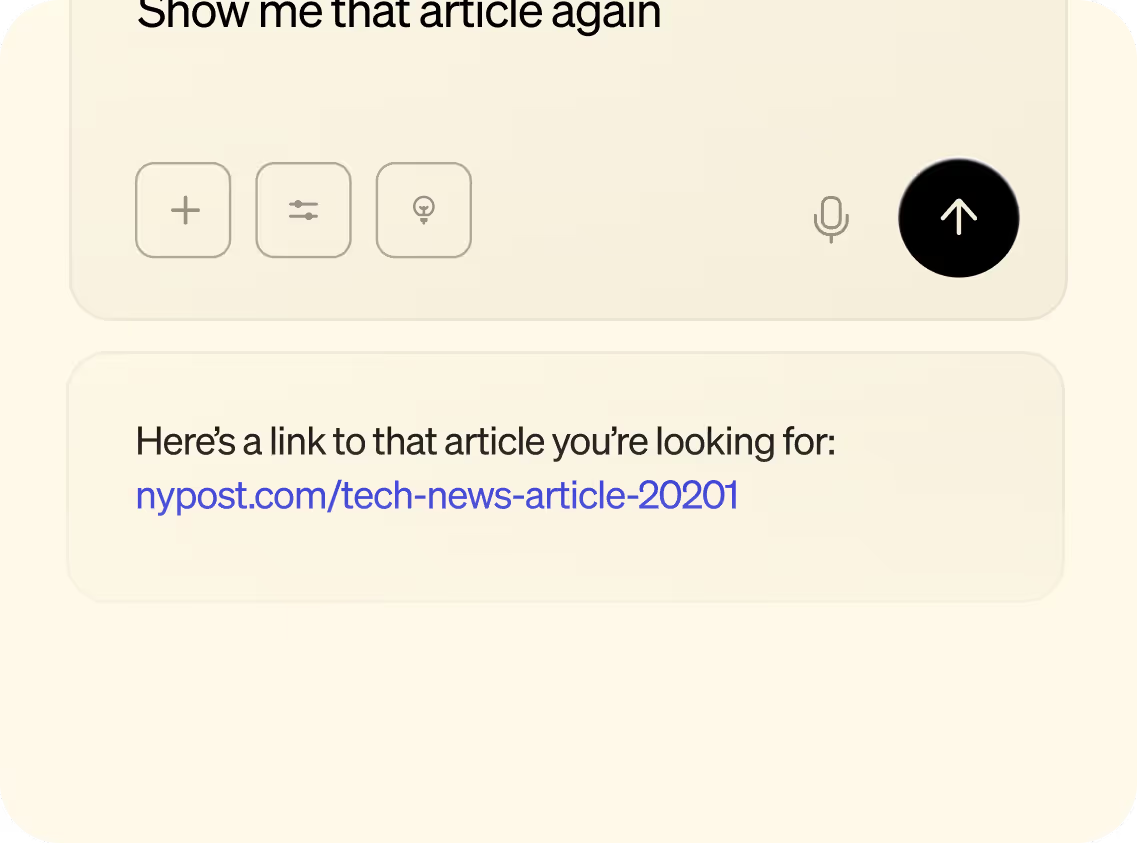
Connect Littlebird and every chat starts informed. Draft the investor update from this week's meetings, prep tomorrow's call with the full history of the account, or ask what you decided last Tuesday. No pasting notes. No starting from zero.

New chat

Littlebird MCP

What did we decide in the roadmap review last Tuesday?

littlebird · memory search · 3 meetings, 2 threads

You locked June 12 for the beta. Priya owns the announcement post, and Sam is drafting the changelog by Friday.

Cursor
Littlebird MCP
Why does the export job retry with backoff here?
littlebird · memory search · spec review, standup
From the March spec review: the vendor API limits requests to 60 per minute, so the team chose exponential backoff over a queue. Confirmed again in the April 2 standup.

Code with the decisions behind the code

In Cursor, ask why something was built the way it was. Littlebird MCP surfaces the standup, spec review, or thread where the call was made. Your editor gets the reasoning, not just the repo.

Set up in minutes

Turn it on once. Your memory follows you into every MCP client you use.

Littlebird icon in dock
Step 1

Download Littlebird and let it run in the background to start building context from your screen.

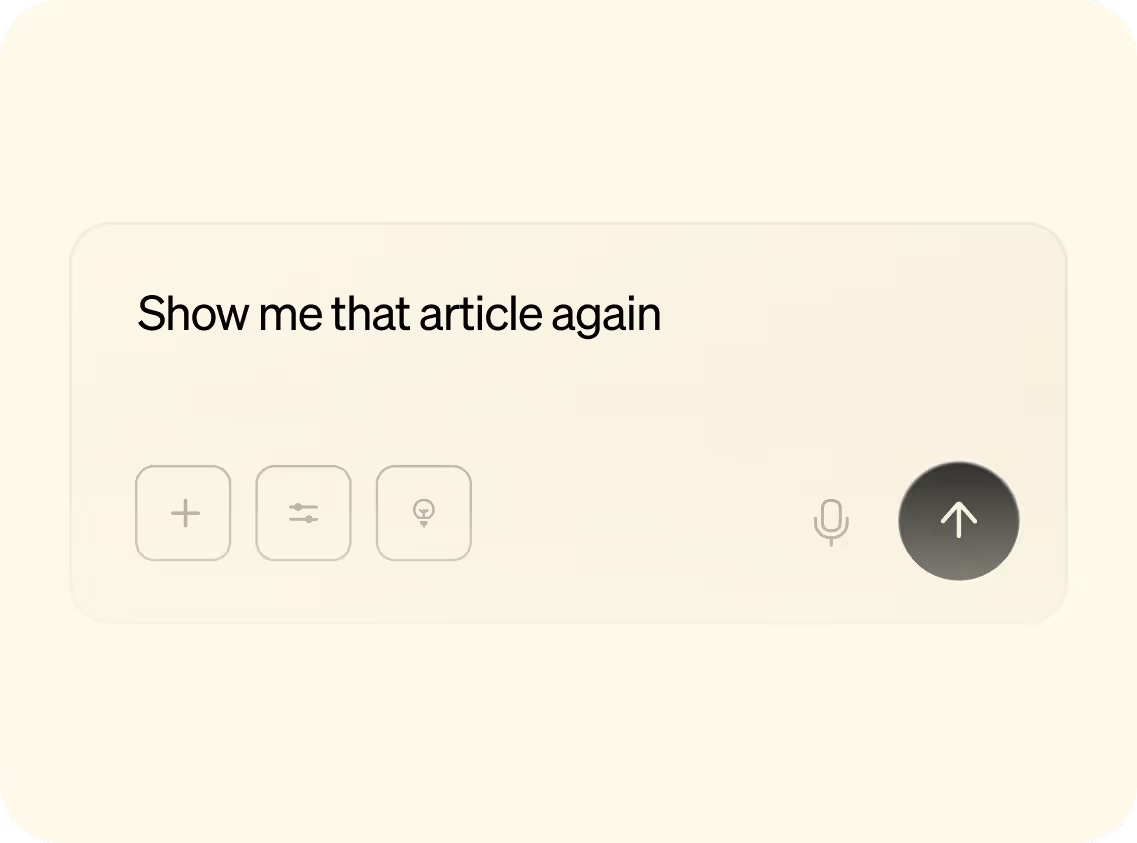
Chat example
Step 2

Open Chat and ask about anything you’ve seen or need to create.

Chat example
Step 3

Get personalized answers and content based on your real work.

Step 1

Turn on Littlebird MCP in Settings.

Step 2

Add Littlebird as an MCP server in your chat app, Cursor, or any MCP client.

Step 3

Ask about your meetings, decisions, and past work.

Works with the AI tools you already use

Your AI chat apps, Cursor, VS Code, and anything else that supports the Model Context Protocol.

Littlebird MCP
Works in
AI chat apps
Cursor
VS Code
Windsurf
Zed
Any MCP client

Organize your life and cut busywork

Download on MacOS

Frequently asked questions

What is Littlebird MCP?

Littlebird MCP connects your Littlebird memory to tools that support the Model Context Protocol. The AI tools you already use can draw on everything Littlebird remembers: your meetings, decisions, and past work.

Which plans include Littlebird MCP?

Littlebird MCP is included with the Power plan and above. Every paid plan starts with a 14-day free trial.

What can connected tools see?

Connected tools query your Littlebird memory to answer the questions you ask. You control the connection and can disconnect any tool at any time.

Which apps work with Littlebird MCP?

Any app that supports MCP. That covers the major AI chat apps and editors like Cursor, VS Code, and Windsurf, and more tools add support every month.

Ready to take your memory everywhere?

Download Littlebird for free and start building your memory today. Once it's built, every AI tool you use gets smarter.

Join the Littlebird for Windows waitlist.

Thank you! Your submission has been received!
Oops! Something went wrong while submitting the form.

Download Littlebird

Thank you! Your submission has been received!
Oops! Something went wrong while submitting the form.