Download Littlebird
Your download will begin automatically.
If it didn't start, use one of the following links.
If it didn't start, use one of the following links.


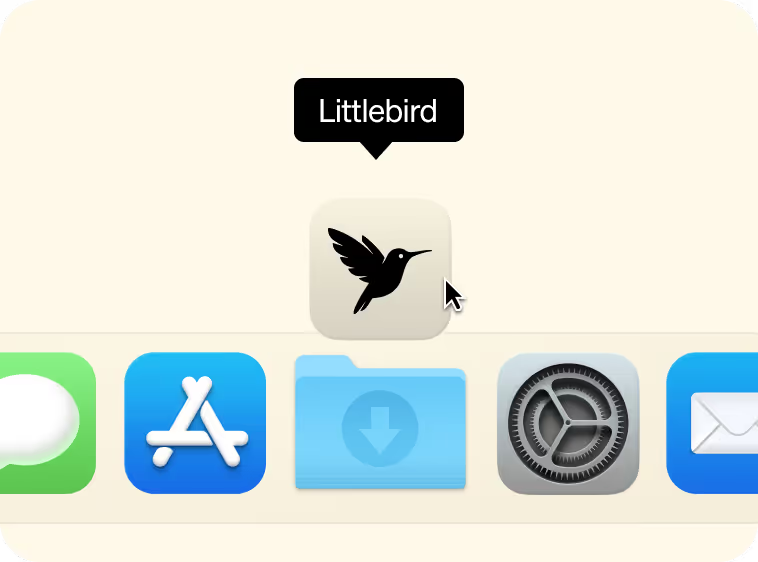
Open Littlebird installer from Downloads
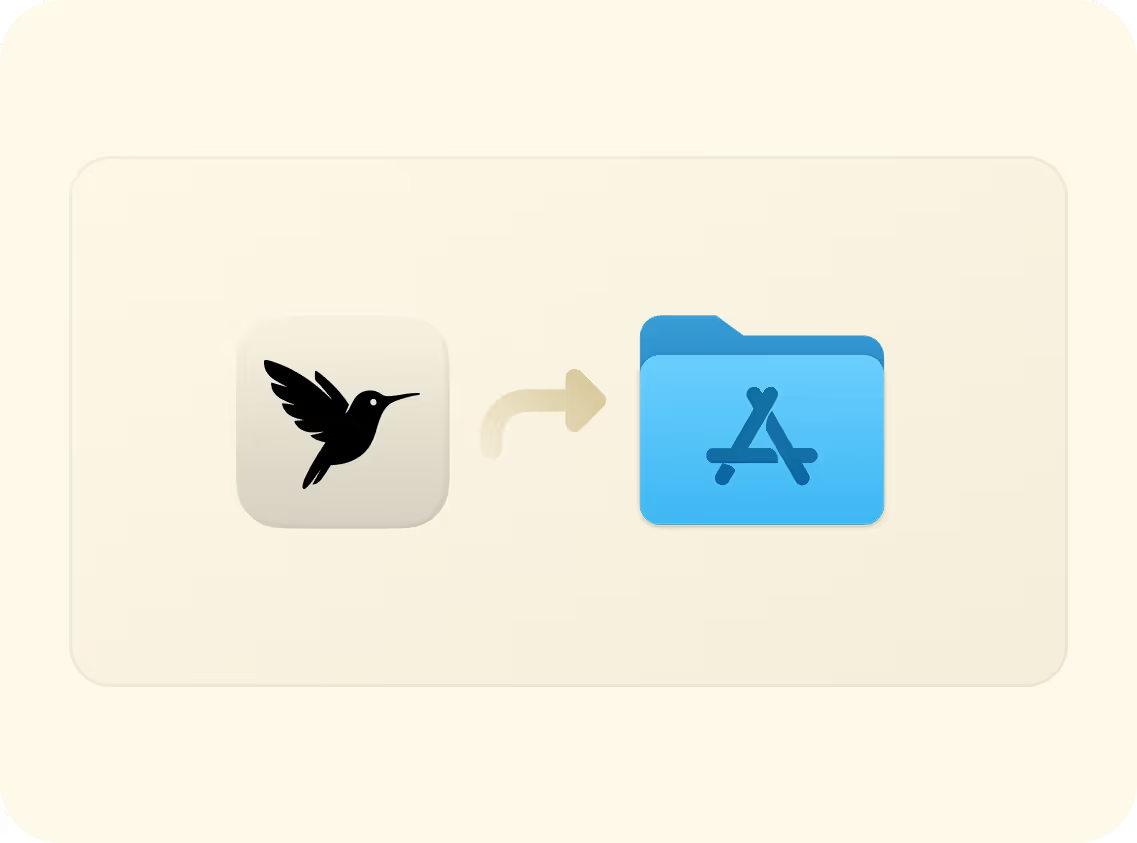
Drag the app icon into Applications
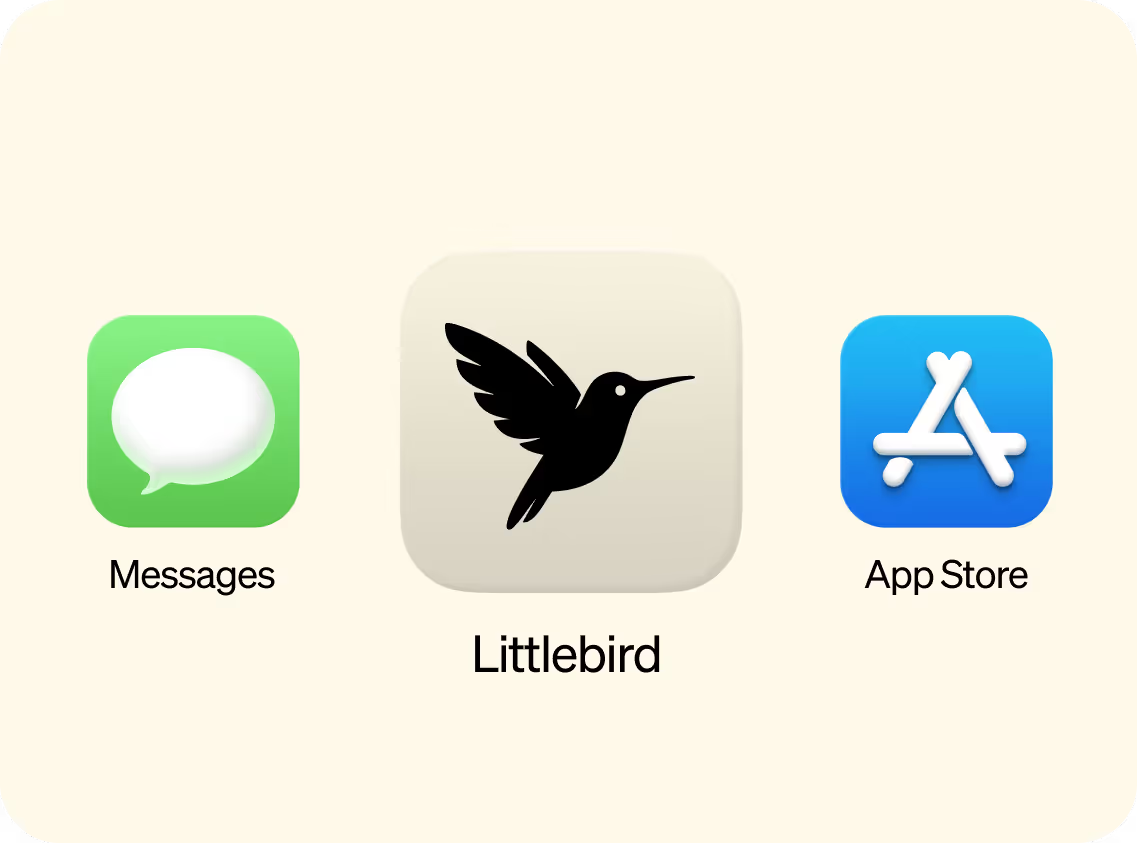
Open Littlebird from Applications
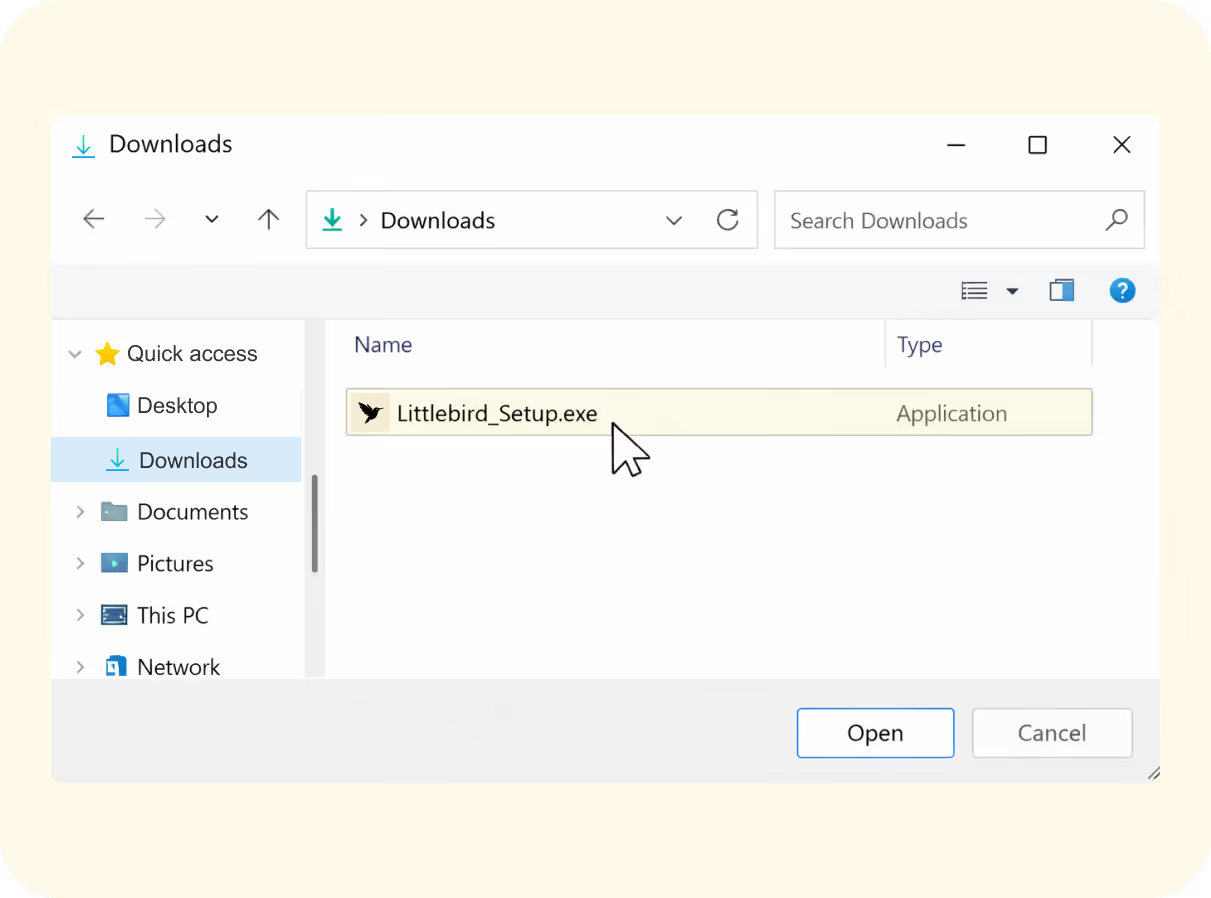
Run the Littlebird installer from Downloads
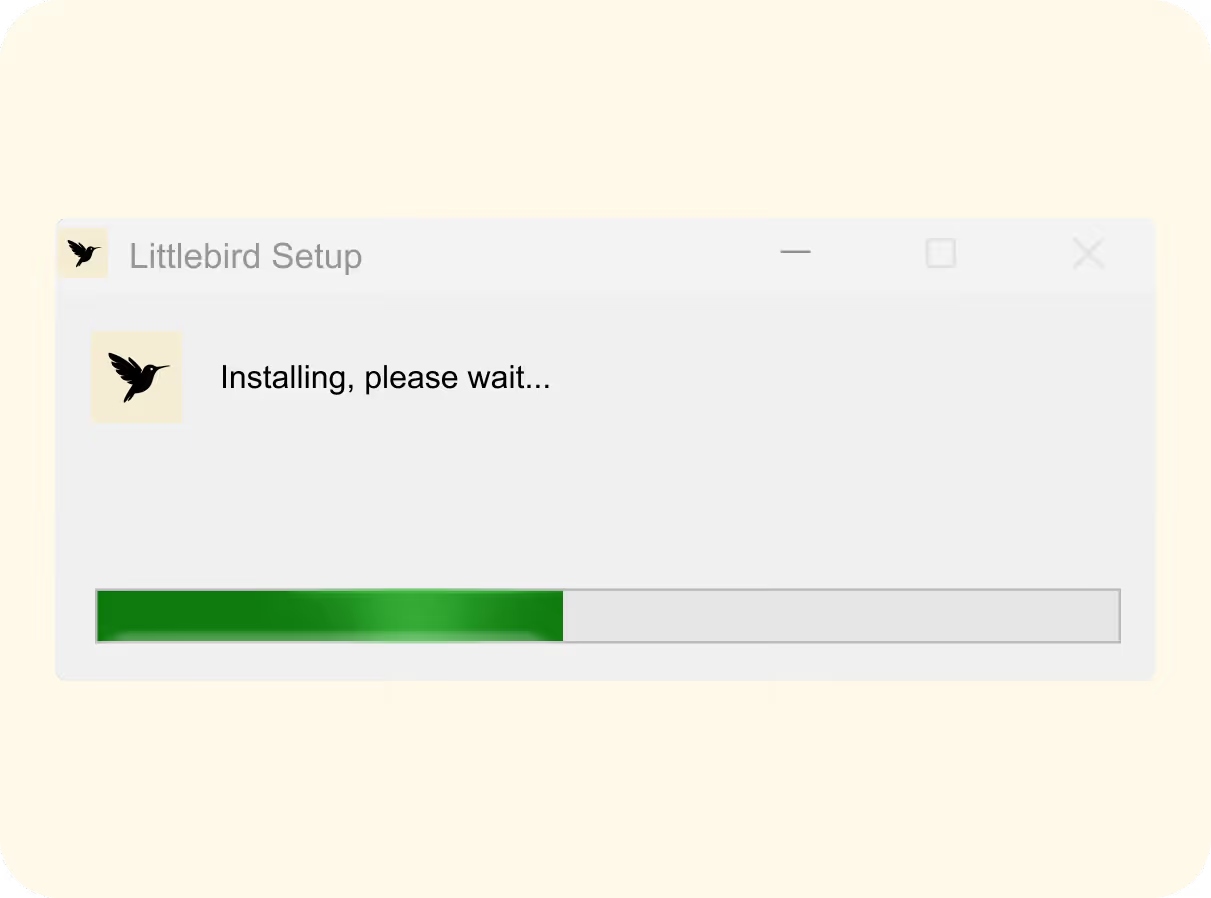
Follow the installation steps
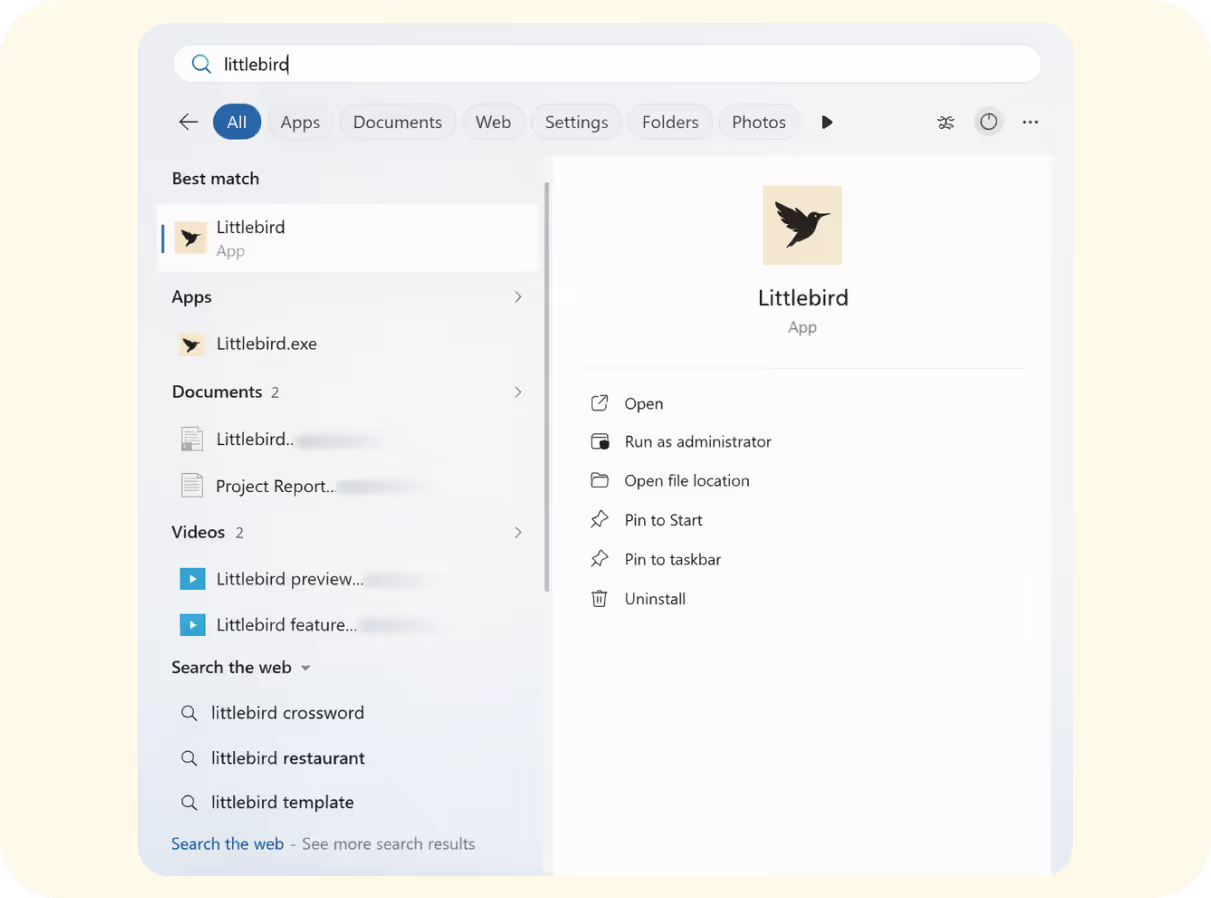
Open Littlebird from the taskbar or Start Menu
You're 60 seconds away from saving hours of work.
Install it
Go on, it's free.
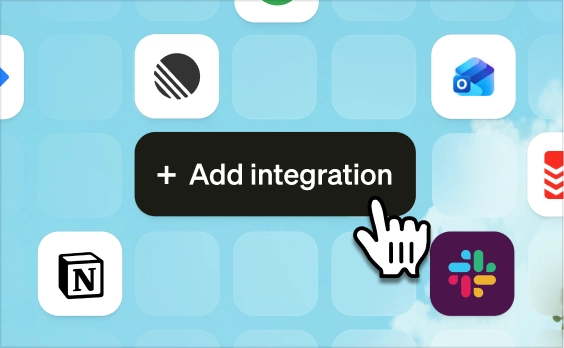
Sync your tools
The more you connect, the more it does.
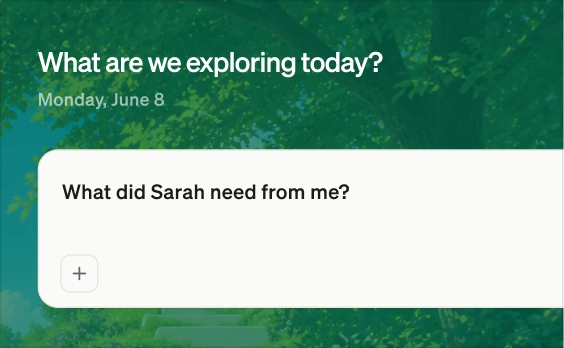
Start using Littlebird
And stop doing the busywork.


.svg)