Your always-on
AI assistant

Littlebird remembers all of your work and can take action across meetings, messages, docs and apps.

Try it now

Opens in your browser · no install needed

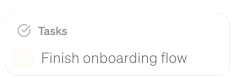
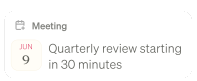
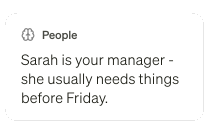
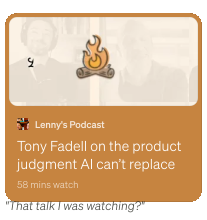
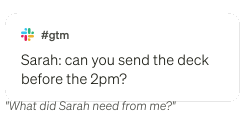
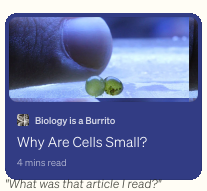
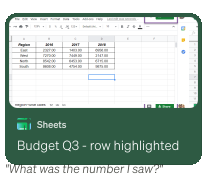
Rays flowing downTasks card: Finish onboarding flowMeeting reminder card: quarterly review starting in 30 minutesGmail card: Re Contract renewal LegalMemory card: Sarah is your manager, she usually needs things before FridayPodcast card: Tony Fadell on product judgment AI cannot replaceSlack card: Sarah asking to send the deck before 2pmMeeting summary card: Growth StrategyArticle card: Why Are Cells Small, Biology is a BurritoPreferences card: you'd rather get a draft to react to than a blank pageSheets card: Budget Q3 row highlightedCurrent focus card: you've been heads-down on the onboarding flow this week

No need to explain yourself

Littlebird already understands what you're working on - so you skip the setup, the pasting, and the backstory, and just ask.

An assistant across all your apps

Get your work done without leaving the chat, Littlebird knows.

“

Littlebird is both my personal assistant and researcher. It's simply the best personal productivity tool I've ever tried.

Brian Clegg

Author

Brian Clegg

Learn more

arrow right

Never take meeting notes again

Perfect notes from every meeting you've had, and a full prep for every meeting you haven't.

Learn more

arrow right

Automate your schedules and briefs

Set up a daily routine - a morning briefing, a weekly project update, whatever you want, whenever you want it.

“

Littlebird helps me set up my day with intention. Not a vague to-do list. An actual plan that reflects what I need to get done and when.

Gretchen Schoser

Mental Health Advocate & Podcast Host

Gretchen Schoser

Learn more

arrow right

From blank page to final draft

Littlebird understands you, so it drafts emails, docs, and updates in your voice

Learn more

arrow right

Memory this personal has to be this private.

You decide what Littlebird sees, keeps, and forgets.

Banking skipped

Blocked by default

Private by design

Passwords, credit cards, and banking sites are off limits from day one. Add any app or site you'd rather it skip.

Last hour deleted

Gone for good

Gone means gone

Pause anytime. Delete the last hour, the last day, or everything, in two clicks.

Model training

Off. Permanently.

Your data is yours

We don't sell it or train on it, and our LLM providers keep nothing. You're the customer, not the inventory.1

SOC 2 · HIPAA

Third-party audited

Secure by design

Encrypted on AWS and checked by a third party. Built with enterprise-grade security.2

SOC 2, HIPAA, GDPR and other compliance badges

1. Zero data retention agreements with every LLM provider we use.

2. Audit reports available in the Trust Center.

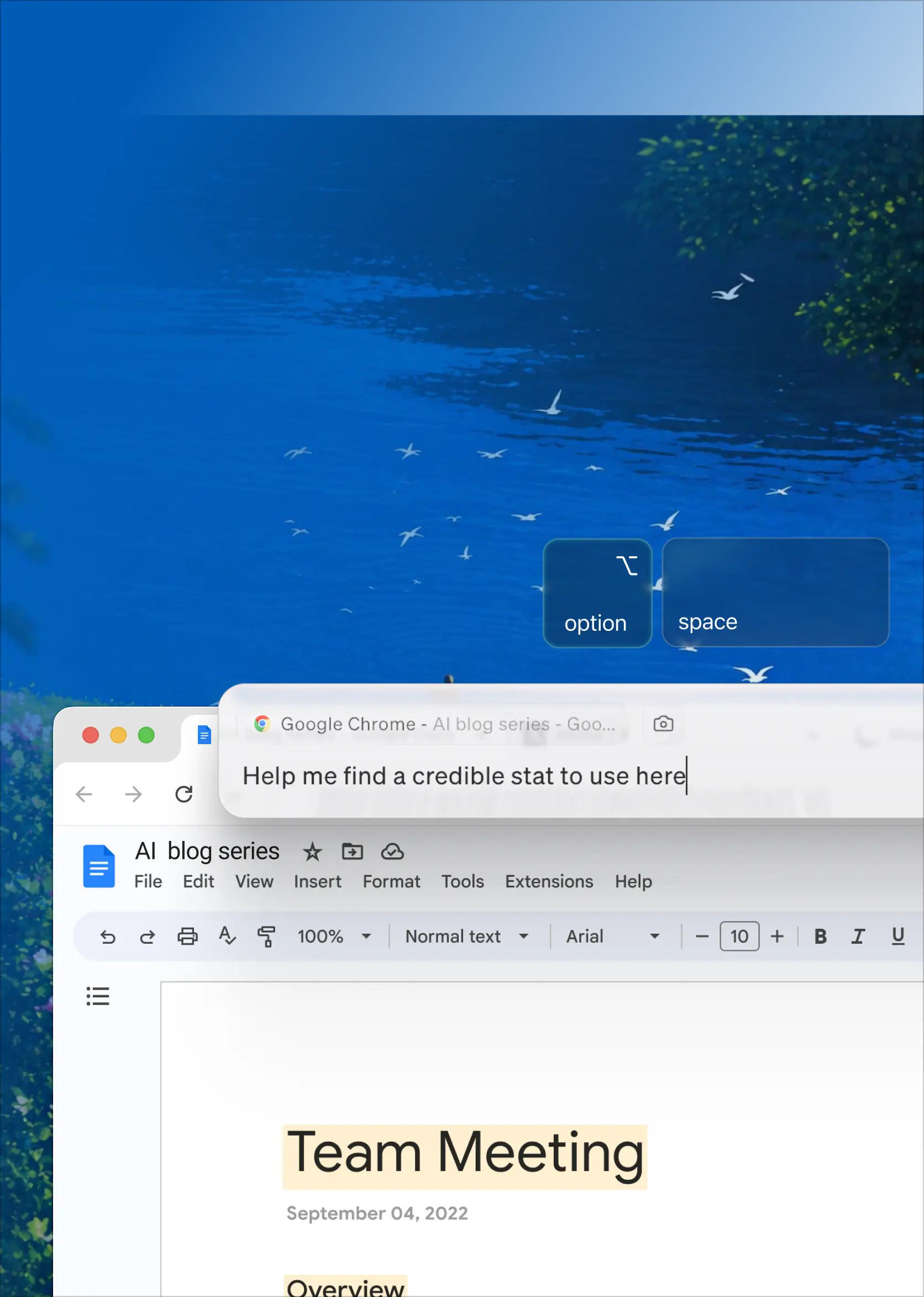
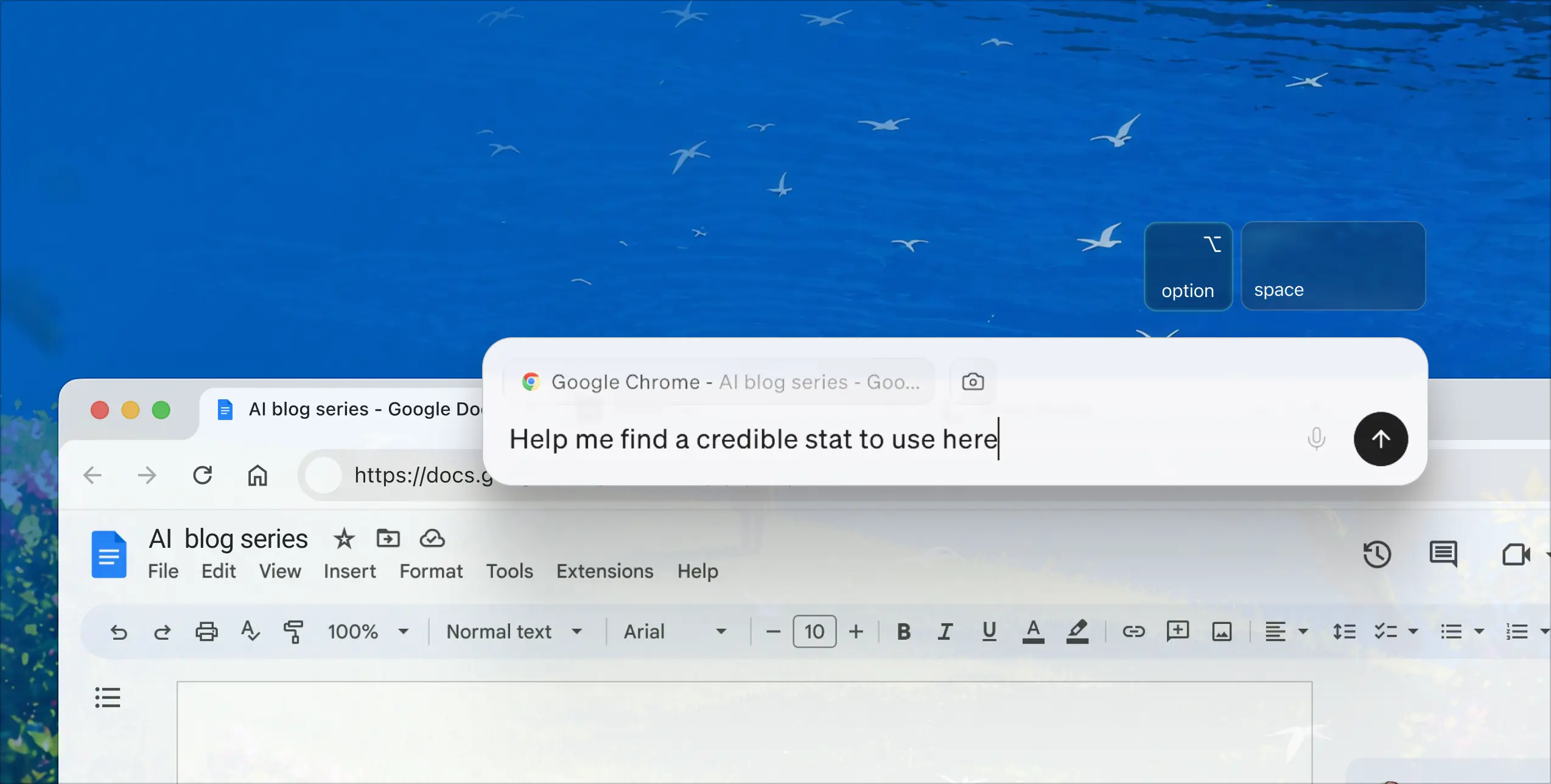
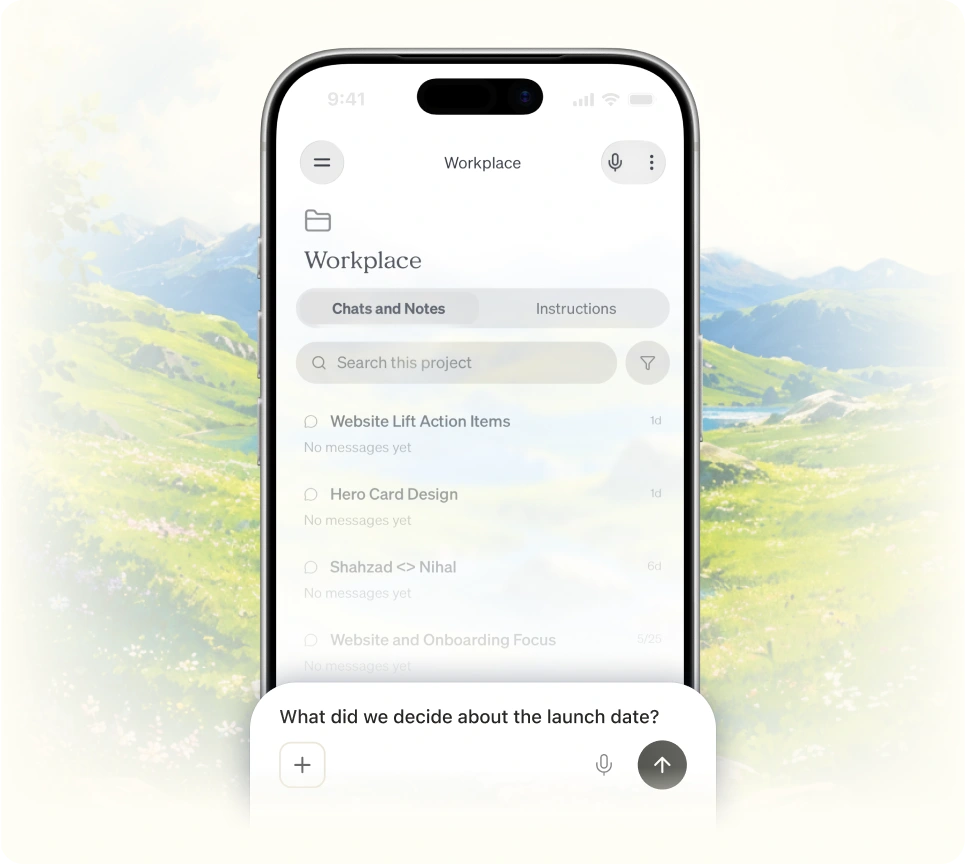
Littlebird Hover on a phone screenLittlebird Hover overlay on a Chrome browser window

Hover, the AI on every screen

Littlebird appears wherever you're working, with a single tap.

Learn more

arrow

For every device you’re on

Littlebird now lives on your phone too - so the assistant that knows your work is with you everywhere you go.

Available on

Apple

iOS

Android

Android

Littlebird running on a phone with a hummingbird beside it
Used by some of the most successful people at organizations like

From people who use
Littlebird every day

This is the future.

Lenny Rachitsky

Lenny Rachitsky

@lennysan

X

"screenreading" to optimize human performance will be a thing. AI that remembers everything you've been working on – mtgs, messages, docs, browsing - and helps you stay focused, prioritize, recall, and move projects forward... tech that focuses you.

Scott Belsky

Scott Belsky

@scottbelsky

X

I've spent my career building products that reduce friction for users. @LittlebirdAI does something I've rarely seen. It eliminates an entire category of friction: the overhead of remembering, retrieving, and re-explaining your own work. I use it every day.

Gokul Rajaram

Gokul Rajaram

@gokulr

X

I've been quietly using @LittlebirdAI for months and it's become my secret weapon. It watches what I'm working on, learns how I operate, and shows up ready before I even ask. It's what I call my 2nd brain — a place that captures everything I do at work, not just what I feed it…

Joe Speiser

Joe Speiser

@jspeiser

X

Now that @dsiroker has wound down Rewind, Littlebird is the presumptive successor. Context is still king, and Alap and much of the old Sentieo team are getting back together to solve it.

swyx

swyx

@swyx

X

Littlebird wrote out our whole marketing site for me since it's able to see all the emails and notes I take about Distill. It's saved me a crazy amount of time!

Russ Heddleston

Russ Heddleston

3x founder; now helping other founders automate personal sales outreach

X

Start for free

Full context from day one. Upgrade when you want more.

Annual
Monthly

Basic

$0

Full context from your screen, apps and meetings

  • Daily usage credits for chats and routines
  • Limited meeting notes in 10+ languages
  • Chat on mobile
  • Connect calendar, email and more
Get started

Power

$42/mo

Billed annually ($510 up front)

Everything in Plus, and

  • 2.5x usage credits
  • Premium image generation
  • Priority support
Unlock Power

Pro

From$100/mo

Billed monthly

Everything in Power, and

  • 5x or 12x usage credits
  • Auto-detect language in meeting notes
  • Early access to new features
Unlock Pro

Teams and student pricing on the pricing page

Frequently asked questions

How does Littlebird understand my work?

Littlebird learns by seeing what you see. It pays attention to the active window on your screen, like the document you're writing or the website you're browsing. During meetings, it listens along to take notes for you. It can also connect to the tools you already use, like your email and calendar, to pull in context and take actions on your behalf.

Expand
Do I need to connect all my apps for Littlebird to work?

No, and that's what makes Littlebird so powerful. It works automatically by seeing what's on your screen, giving you a unified memory across all your apps without any setup. We also offer hundreds of integrations with your favorite apps so you can give Littlebird deeper access to the tools you use most. For example, if you want Littlebird to help schedule meetings, you can integrate with Google Calendar.

Expand
What integrations does Littlebird support? 

Littlebird supports hundreds of integrations across a wide range of categories, including:

Project management: Notion, Linear, ClickUp, monday.com, Atlassian Rovo (Jira and Confluence)
‍
‍Design and collaboration: Canva, Miro, Lucid

‍Developer tools: Axiom, Cloudflare Developer Platform, PlanetScale, Honeycomb
‍
‍CRM and sales: Intercom, Outreach, Close, Clarify, Day AI
‍
‍Finance: Mercury, Ramp, PayPal, Stripe
‍
‍Meetings: Calendly, Fireflies, Granola, Krisp, Circleback

‍Marketing: Klaviyo, MailerLite, Bitly, Ahrefs, AirOps

Analytics:
Mixpanel, Omni Analytics, PostHog
‍
‍Knowledge and docs: Guru, Mem, Craft, Egnyte, Google Drive

‍Email and calendar: Gmail, Google Calendar, Outlook, Apple Calendar, Apple Reminders


Integrations are optional. Littlebird works with every app automatically by observing your screen. But connecting your tools gives Littlebird even deeper access. You can browse the full list in Settings > Integrations.

Expand
Why should I use Littlebird instead of a general AI assistant or chatbot?

General AI assistants have no context about your work, you have to catch them up by copying and pasting information. Littlebird already understands the work behind your requests: your documents, conversations, and projects. It gives you more relevant answers and stronger starting points. This makes Littlebird faster, more personal, and far more useful for day-to-day work.

Expand
Is my data secure with Littlebird?

Yes. We treat your data with the utmost care and protect it using best-in-class industry security practices. Your information is always encrypted when it's stored on our servers, and any connection between Littlebird and third-party services you authorize is also encrypted in transit.
‍
We're SOC 2 Type II certified, which means our security practices are regularly audited by an independent third party. We're also GDPR and CCPA compliant. You can also delete your data at any time (all of it, or just recent data like the last hour or day).

Expand
Where is my data stored?

To provide a reliable and high-quality service, Littlebird securely stores your data in the cloud, hosted on Amazon Web Services (AWS). While Littlebird runs on your computer and you control what it sees, the data it captures is encrypted and stored in the cloud.

Expand
Do you use my data to train AI models or sell it to third parties?

No. We don’t use your personal data to train our AI models, and we will never sell your data to advertisers or any other third parties. Our business model means that our customers are our users, not advertisers.

Expand
What platforms or devices is Littlebird available on?

Littlebird is available for Mac and Windows. We also have a companion app available for download on both iOS and Android, if you need to ask Littlebird questions when you’re away from your desk.

Expand
Do you offer a student discount?

Yes, we do! Littlebird Plus is $15/month for actively enrolled students, and your first two months are on us. Apply with your .edu email.

Expand
Hummingbird flying near an open window amid green trees and purple flowers under a bright blue sky.

Save hours of work for free

You're 60 seconds away from having a personal assistant. Upgrade for max intelligence and infinite features.

Free to start • Available for Windows, iOS, and Android

Opens in your browser · no install needed

Download Littlebird

Thank you! Your submission has been received!
Oops! Something went wrong while submitting the form.
Close